Visual.Effects.Artist
RSL & RIB Conditional Evaluation:
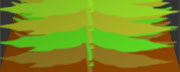
Arbitrary Output Variables:
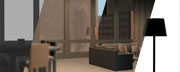
Special Occlusion:

Special Reflection:
part1 - HLSL Development

Special Reflection:
part2 - Source Engine Pipeline

Download files here:
RIB Archives Files:
Texture Sources:
RIB Render Files:
-RIB 1 (Tree 1, RGB palette)
-RIB 2 (Tree 2, HSV diff)
-RIB 3 (Tree 3, radial coloration)
Shader Source Files:
-wgsTreeRGB.sl
-wgsTreeHSV.sl
-wgsTreeRadial.sl

Application Suppose in Maya we have a scene with a tree; each leaf is called leaf# and the trunk, or all other objects, are named something else. We would like to create a shader for the tree as a whole, that colors the leaves and the bark based on the name of the shape node.
Maya's RIB export When Renderman Studio generates the RIB for render, names of objects show up as the following: Attribute "identifier" "string name" ["leafShape197"]
RSL Development There were three shaders developed. 1. uses a custom palette for each color
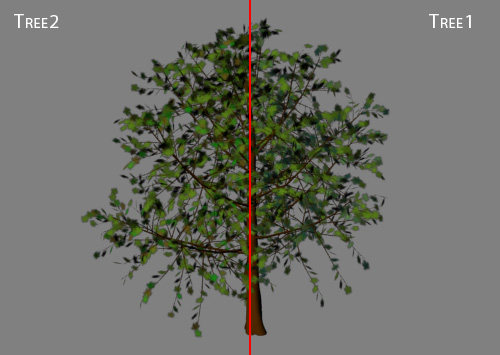
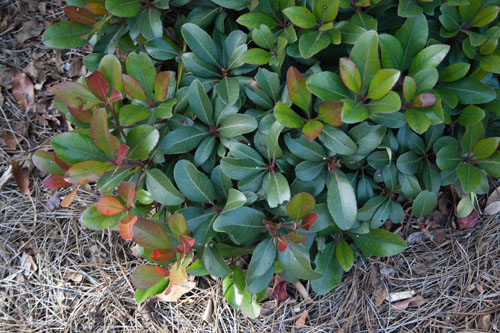
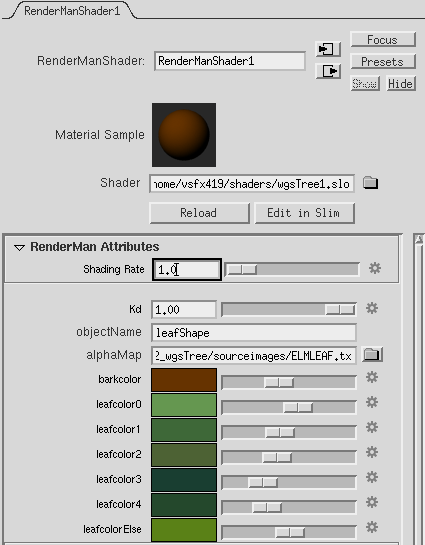
Observation: Note: I wasn't going for an accurate tree, or extensive shader, just a logical way of assigning colors. Below is the basic color sample I used for my first two shaders 1. At first I decided a pallet of custom colors would provide good variety. 2. Custom palettes quickly become tedious, so the second shader was developed based on a primary color, then Hue, Saturation, Value variation.
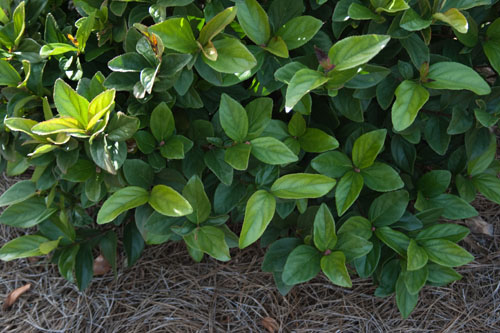
3. Here you can see that the newer leaves at the maximum extent have a different color. My third Shader resembles this characteristic, loosly.
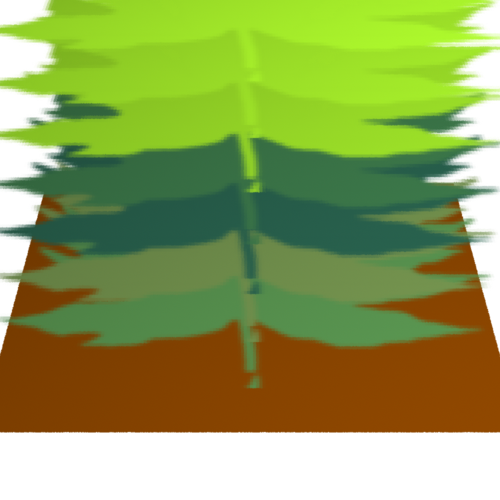
Development: Shader 1 --- here, each color is selected individually. I soon realised this method was faily cumbersome.
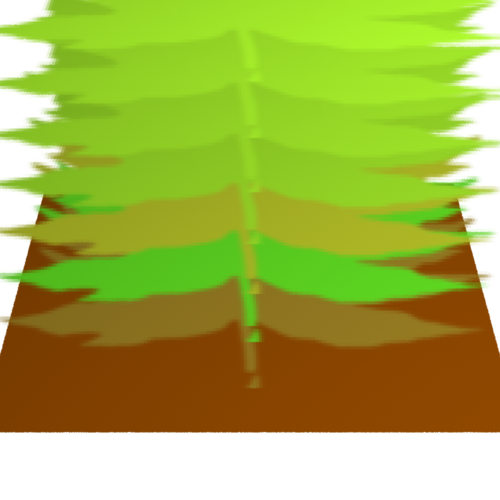
Shader 2 --- here, a primary color, and HSV offsets are used.
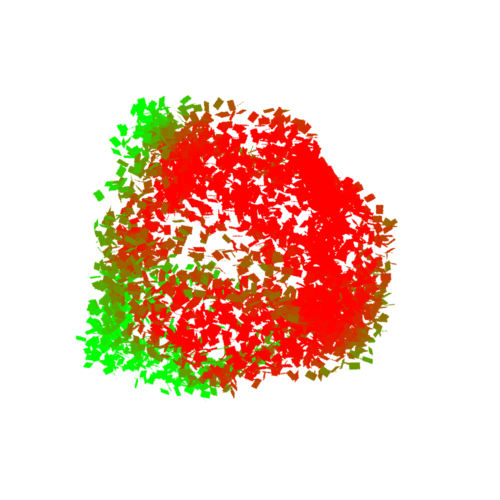
Shader 3 --- This shader shows the outside growth color around a radius:
More details on this shader to come...
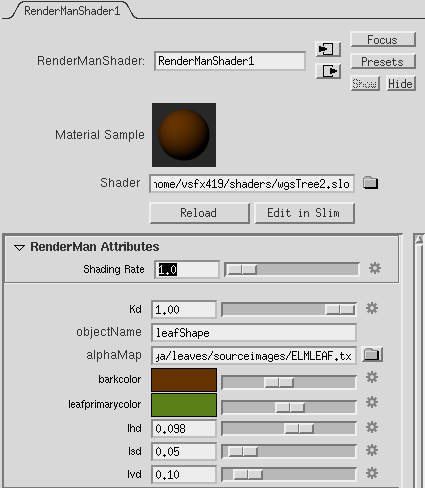
Implementation The shader is commented to explain how RSL can read and evaluate attributes surface
wgsTreeHSV(float Kd = 1;
string objectName = "leafShape";
string alphaMap = "";
color barkcolor = color(0.4, 0.2, 0),
leafprimarycolor = color(0.353,0.506,0.090);
float lhd = 0.1, /*leaf hue delta [-0.5 0.5] */
lsd = 0.05, /*leaf sat delta [0.0] */
lvd = 0.1; /*leaf val delta [0.0] */
)
{
/* --- Setup Variables --- */
color surfcolor = color(0.2,0.2,0.2);
normal n = normalize(N);
normal nf = faceforward(n, I);
uniform string shapename;
//color surfcolorHSV = ctransform( "hsv" ; surfcolor);
//surfcolor = color(0.5,1,1);
//if poly has name attr, refer to it as shapename
if(attribute("identifier:name", shapename)) {
//look for any micropolys with a name and number ;)
string pattern = concat(objectName, "[0-9]*$");
//if pattern exists in shapename,
//it must be a poly that we want as a leaf:
if(match(pattern, shapename)) {
color lpc = ctransform("hsv",leafprimarycolor);
//point diffp = point(lhd,lsd,lvd);
color diffc = color(lhd,lsd,lvd);
//color dcmax = color(1,1,1)-lpc;
//apply aplha to all polys if we have one:
if (alphaMap != "")
Oi = Os * float texture(alphaMap);
else
Oi = Os;
//Look at the trailing digit
//if we have a "#" at end of poly:
if(match("0$", shapename))
//set color to lpc
surfcolor = ctransform("hsv","rgb",( (lpc + diffc) ));
else if(match("1$", shapename))
surfcolor = ctransform("hsv","rgb",( (lpc - diffc) ));
else if(match("2$", shapename))
surfcolor = ctransform("hsv","rgb",( (lpc + diffc*0.5) ));
else if(match("3$", shapename))
surfcolor = ctransform("hsv","rgb",( (lpc - diffc*0.5) ));
else if(match("4$", shapename))
surfcolor = ctransform("hsv","rgb",( (lpc + 0) ));
else
surfcolor =leafprimarycolor;
}
else {// colorize everything else differently
surfcolor = barkcolor;
Oi = Os; }
}
//Oi = Os;
color diffusecolor = Kd * diffuse(nf);
Ci = Oi * Cs * surfcolor * diffusecolor;
}
Additional Notes RIB files themselves can also implement more advanced coding options. I will update this shortly...
Final Thoughts Conidtional Eveluation enables limitless possibilities, so what I've demonstrated here is only one simple application. I would have liked to have spent more time developing the look of the shader, but the focus was just to implement conditionals. In that case, my goal was acheived. |
Updated: June 16, 2011