Category: Tools
-

Unreal Retro-Reflective Shading Model
Weekend project: added a new shading model that includes a retroreflective component.
-
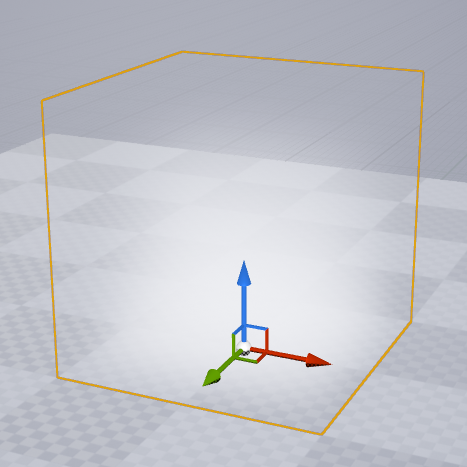
Unreal Lighting: Local Fog
Using Volumetric Fog to create basic gradients in Unreal Engine
-

Blender to Unreal FBX + T3D exporter with instancing
Very simple Blender to Unreal exporter for FBX + T3D. Export only unique data to FBX. Duplicates (with linked data in blender) are preserved. Objects can be pasted in to Unreal after placement was done in Blender.
-

Natural History: Lightmap Test
Lightmap testing with Maya + MentalRay
-

Mental Ray – Render Proxy
This is a simple tool for MentalRay Render Proxies that I added some features to: Any object can be selected and swapped between high and low resolution. This is really useful when getting lost in a mass of bounding boxes that you dont have time to rename and create appropriate proxy cages for. The new object inherits attributes as well as materials and set…
-

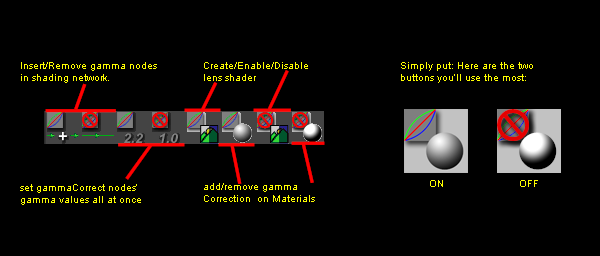
Maya Linear Workflow Tool v2
Almost exactly a year after publishing my MEL linear workflow tool, the Python version is ready. I am sad that 1 year later there is still a need for this tool (in Maya), but until Autodesk properly handles color management it makes life as a lighter much easier. With new Pre/Post-Render scripts it allows working in Maya in a WYSIWYG manner, hardware/viewports and color…
-
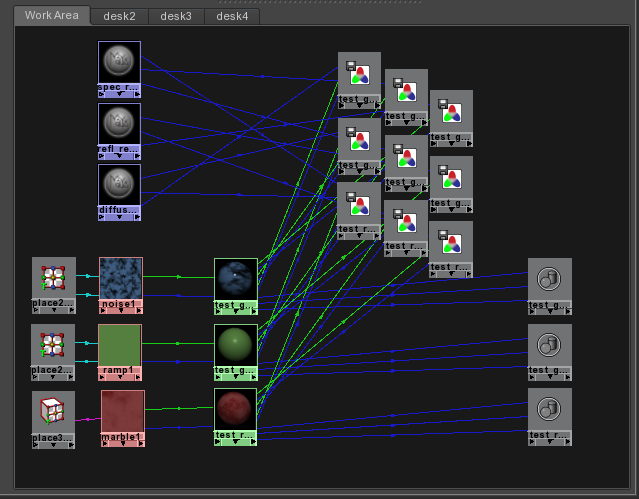
Mental Ray – Write to Buffer Tool
Nifty tool for creating custom render pass buffers and linking shader outputs from pre-existing networks.
-

Maya LightLink Tool
Light Linking in Maya may appear at times to be black magic, this tool aims to demystify it and make fixing problems effortless for any user. Unfortunately, some light linking tools/scripts actually create more problems. This tool is designed to safely clean scenes anytime, and additionally provide tools for efficiently light linking. For more info, read the full help docs. Download MayaLightLinkTool here Example…